Data Viewing Forms
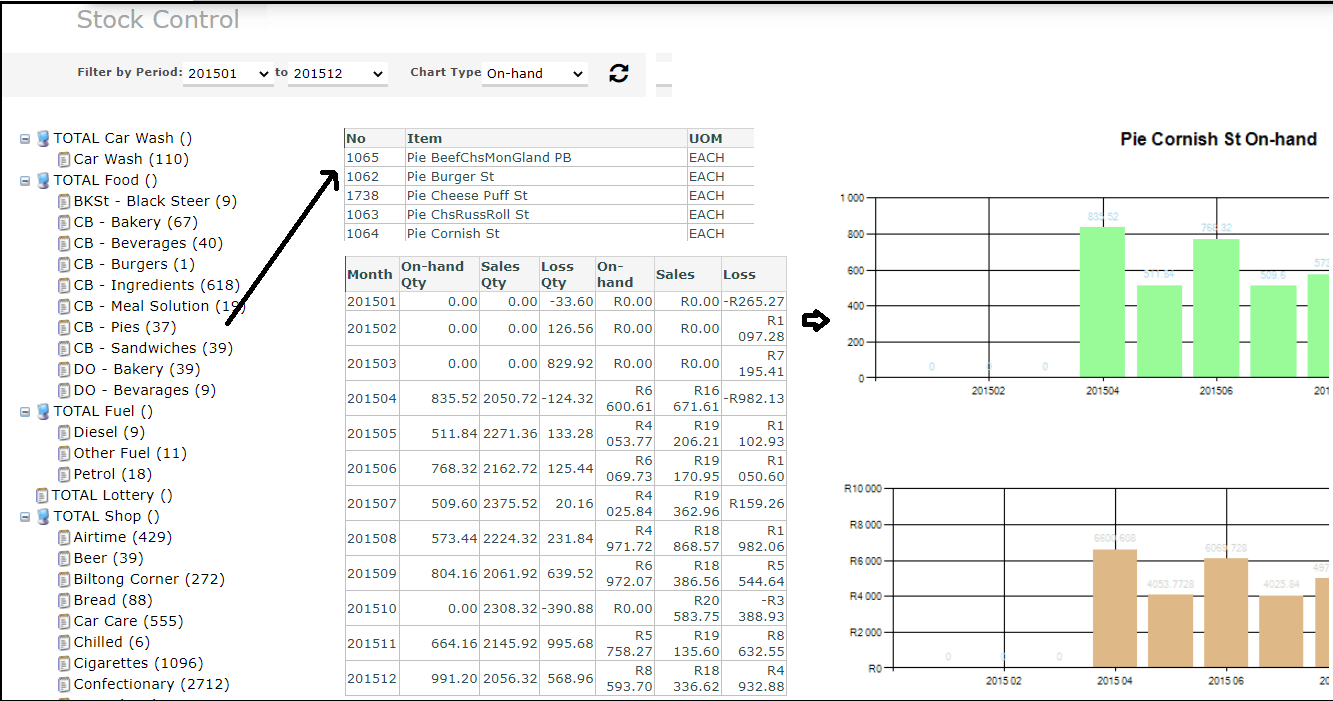
A series of forms are available to view the uploaded data
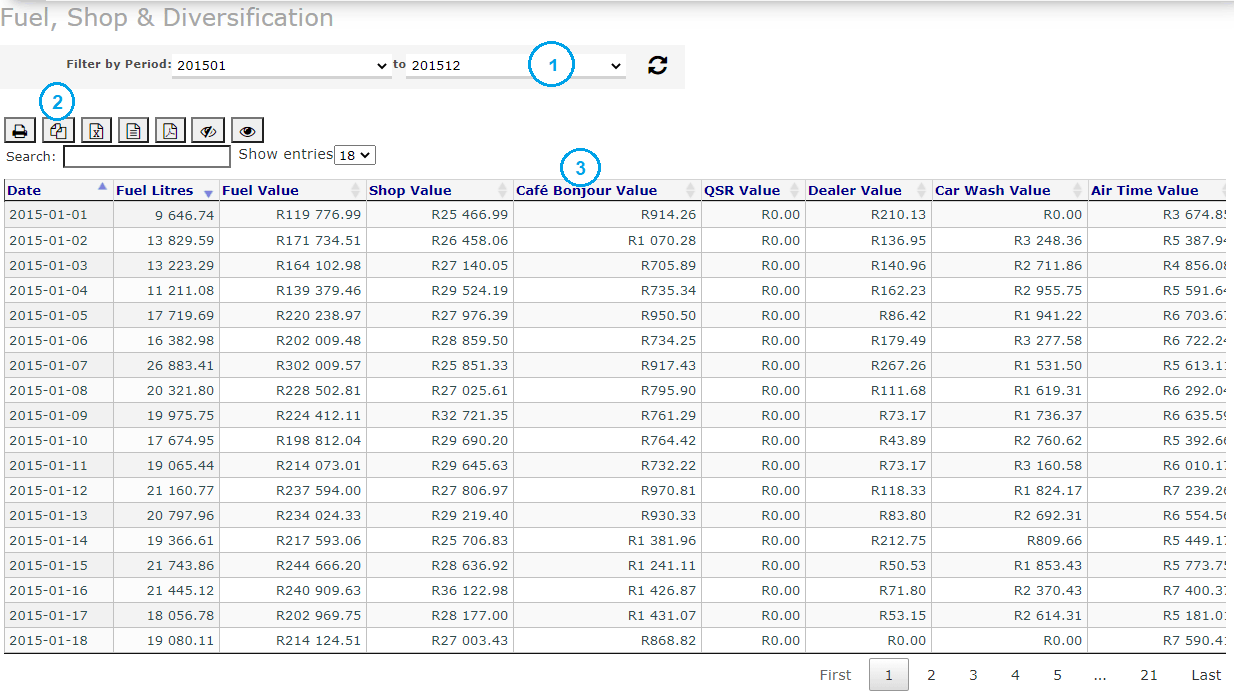
Selection period
In most cases a start and end period may be used to filter for transactions. Additional filitering may be done using the 'search for space'
Export of data
All the data may be printed and/or exported to:
1. The clipboard
2. Excel
3. CSV
4, Adbobe PDF formats
Customisible Grid view
You may hide and show columns
You may re-arrange to order of columns by 'dragging' a column header left / right.
You may sort on any column (Ascending and Descending) by clicking on the column header